What happens on a lift trip
Behind a simple-looking ride, the robot and the lift exchange a short series of signals.
- 01
Request
At the lift lobby, the robot calls a car through the interface linking it to the lift controller.
- 02
Board
When a car arrives, the doors are held while the robot drives in. If the car is crowded, many robots wait for the next one.
- 03
Travel
The interface tells the lift which floor to go to, and the robot rides like any other passenger.
- 04
Exit
At the destination the doors are held open, the robot drives out, and the lift returns to normal use.
Ways to link a robot to a lift
The right approach depends on the lift’s age, its controller and who maintains it.
Hardware interface
A module installed at or near the lift controller turns the robot’s requests into lift calls. Your lift maintenance contractor is normally involved.
Software connection
Some newer lift systems accept calls over the network through a software interface, with no added wiring. Availability depends on the lift.
When integration isn’t practical
Older lifts or controllers without a suitable interface may need an upgrade first. Without any lift link, a robot can still work on a single floor.
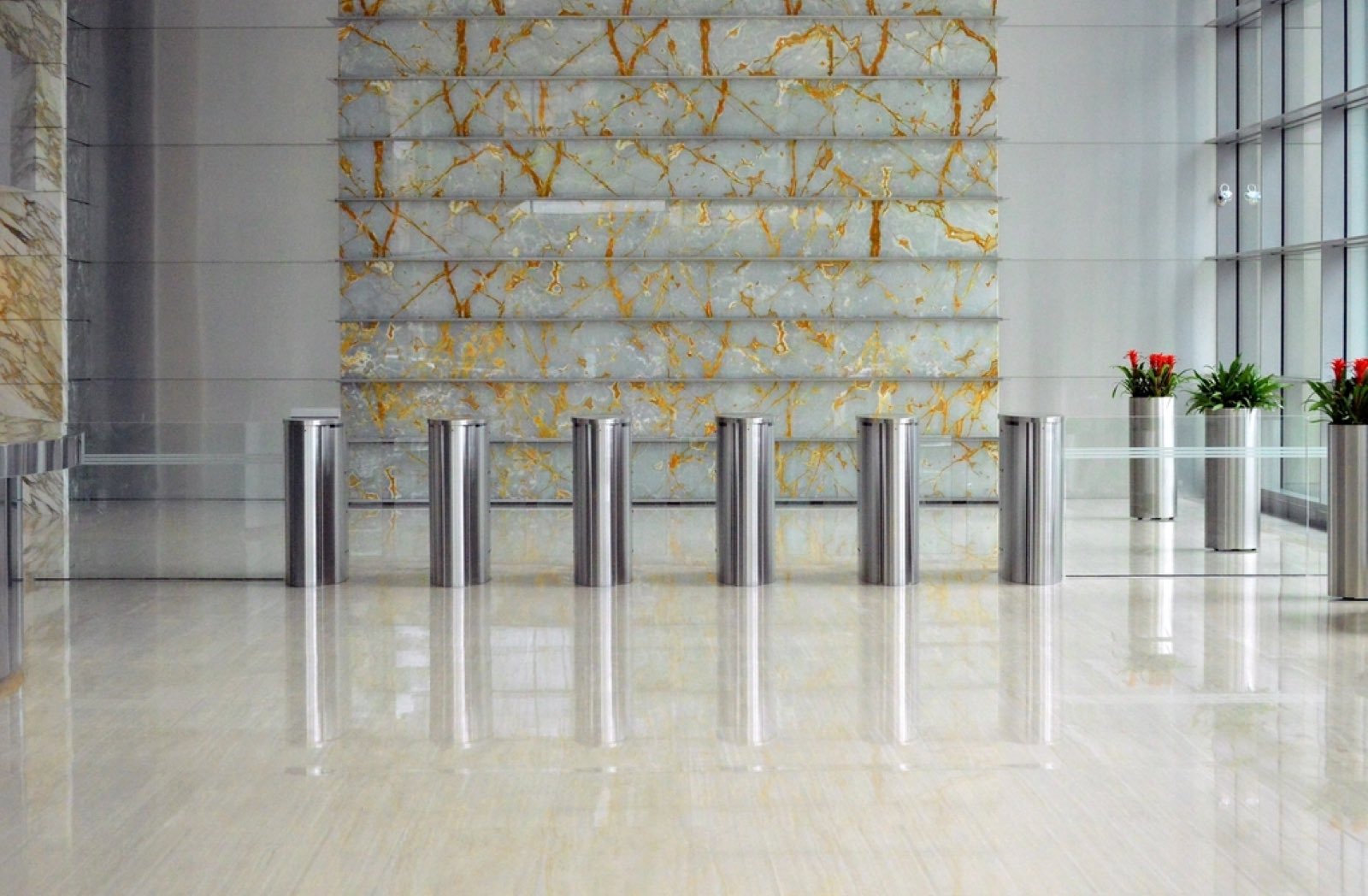
Doors, gates and access control
Every barrier on a route needs a solution before the robot can travel unattended.
Automatic doors
Every door the robot passes must open for it, usually through a signal from the robot’s system to the door operator. A manual door with no opener is a dead end.
Speed gates and card readers
Turnstile-style gates and card-reader doors need a way to let the robot through, such as an integration with the access-control system. Your security provider should agree the method.
Restricted floors
If some levels are secure, decide which ones the robot may visit and confirm the lift and access-control setup enforces it.
Fire alarms and emergencies
Plan for the bad day as well as the normal one.
Lifts leave normal service
In most buildings a fire alarm sends the lifts to a designated floor and stops them answering ordinary calls. A robot can’t use them until normal service returns.
Agree what the robot does
Whether it stops, moves aside or returns to a set point depends on the model and its settings. Decide before the trial, then test it in a drill.
Keep egress clear
A robot’s parking spot and routes shouldn’t block exits, fire doors, hose reels or extinguishers. Your fire safety adviser can confirm the placement.
Network coverage and floor maps
Two pieces of groundwork that are easy to overlook.
Wi-Fi along the route
Most service robots use Wi-Fi to receive tasks and report status, and some use it to reach the lift. Test the signal in lift lobbies and back-of-house corridors, and ask whether a connection is needed inside the steel lift car.
Your IT team’s questions
Expect questions about a separate network or VLAN, firewall rules for cloud services, and who owns the device.
Mapping each level
The robot builds a separate map of each floor, typically by being guided around it during setup. The maps are joined at the lift lobbies, and a fit-out or new partitions can mean a floor needs remapping.
Checklist before a trial
Work through these with your facilities team before booking a site assessment.
Lift details
Make, approximate age and controller type, plus the contact for your lift maintenance contractor.
Every door on the way
Which doors are automatic, which need a swipe card, and who maintains them.
Network access
Who approves new devices on the network, and whether Wi-Fi reaches the lift lobbies.
Emergency procedures
Your current evacuation plan and who needs to approve equipment operating in corridors.
Charging and parking
A spot near a power point where the robot can charge without obstructing anyone.
Approvals
Whether the owner, tenants, a strata committee or a body corporate need to agree to a trial.
What a site assessment covers
Before recommending anything, we look at the building itself. A typical assessment covers these areas.
- A
Lifts
Controller and interface options, car size, door timing, and how busy the lifts get through the day.
- B
Floors and routes
Floor surfaces, thresholds, ramps, corridor widths and any tight turns along the path.
- C
Doors and access
Each door and gate the robot must pass, and how it would be opened.
- D
Day-to-day operation
Who will load and dispatch the robot, when it will run, and where it will charge.
Have a question about your building?
Weighing up a trial? Send the details and a robotics specialist will reply.